Narrative game makerby After Signal
Build the chapter. A bot plays it. Publish in one click.
The editor I made Who Left It On? with, chapter by chapter and without writing code. You bring the map and the story, and it plays in the browser.
In development · only I use it for nowHow it started →
Why I made it
Not an engine. The editor I needed.
I wanted to tell a serious, cinematic story about a world where water is running out and everything falls into crisis. For that I did not need a huge engine, just an editor my own size.
I am an experience designer who comes from Figma and Sketch, so I wanted it simple, with no code and no licences.
What it does
Everything a chapter needs
Map
Place notes, doors and objects on the map and see it just as the player will.
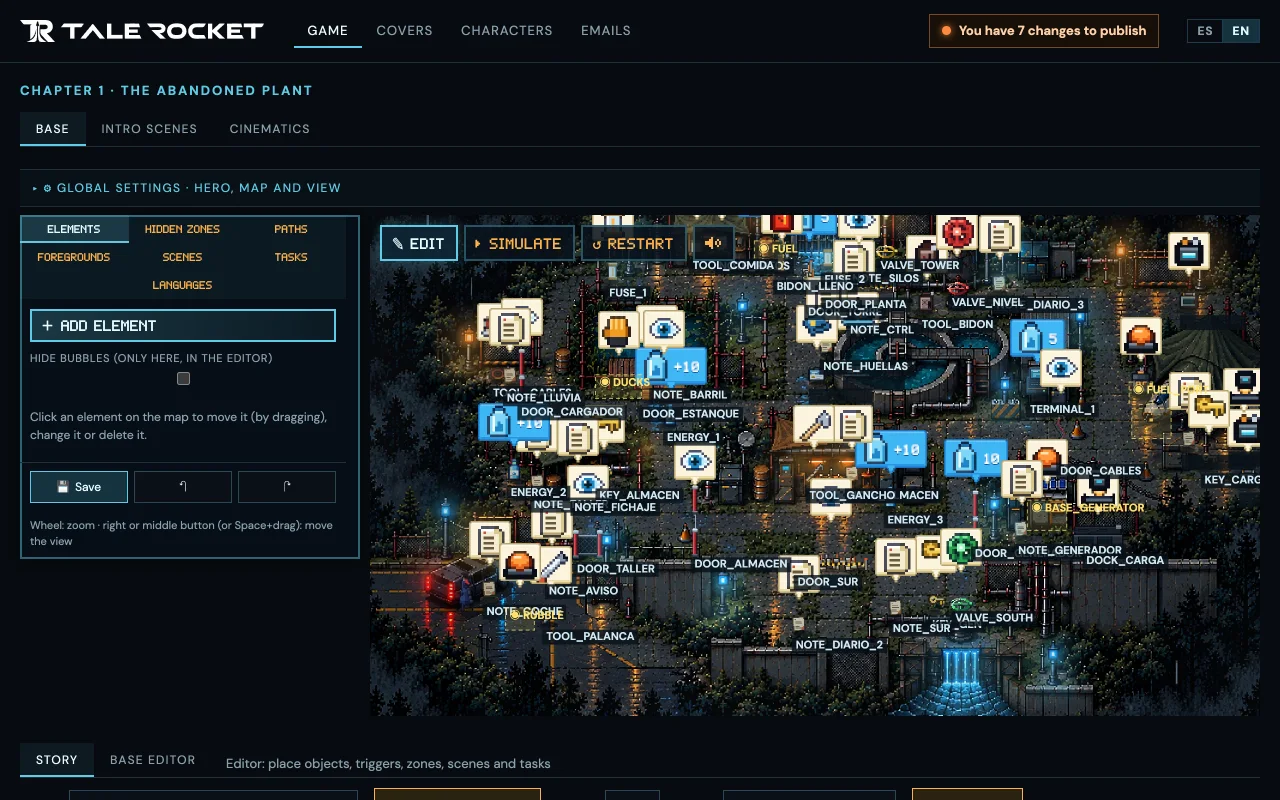
Story
Write the chapter’s tasks and choose from menus when each one appears and when it is completed.
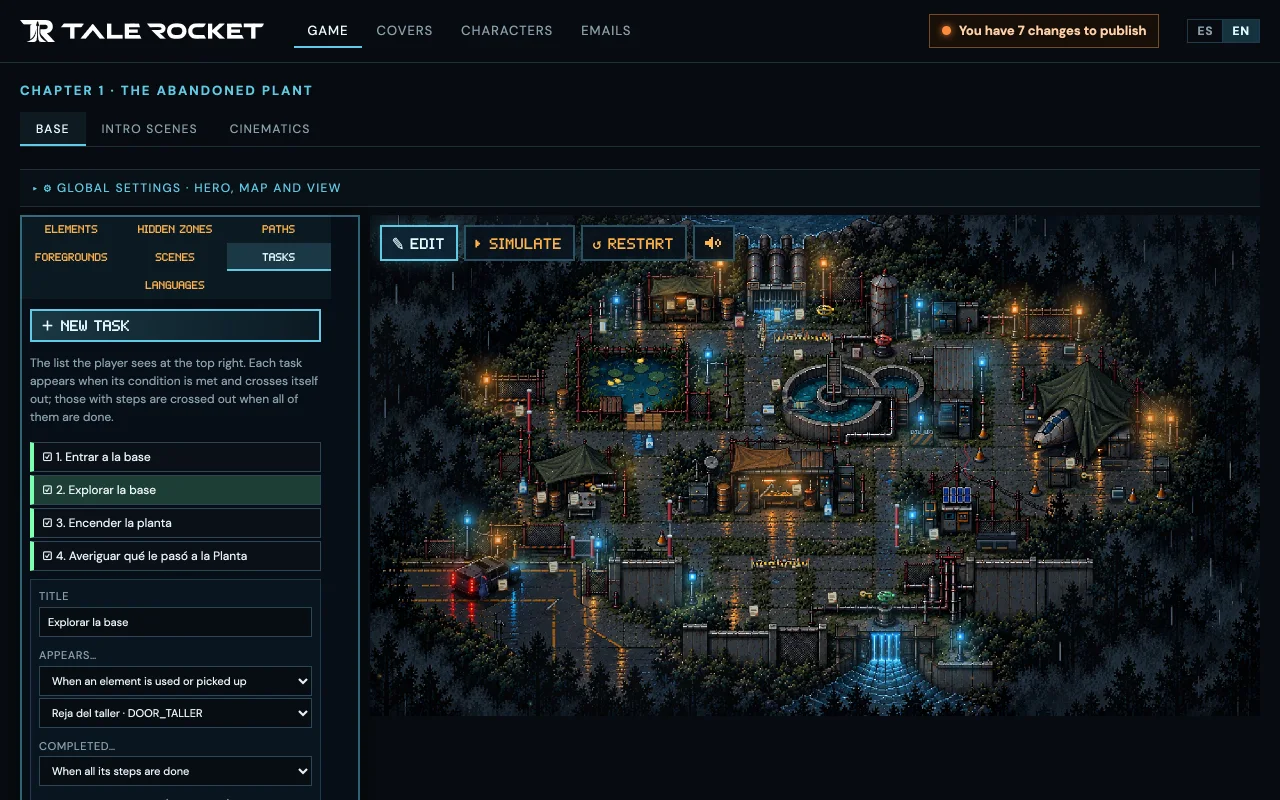
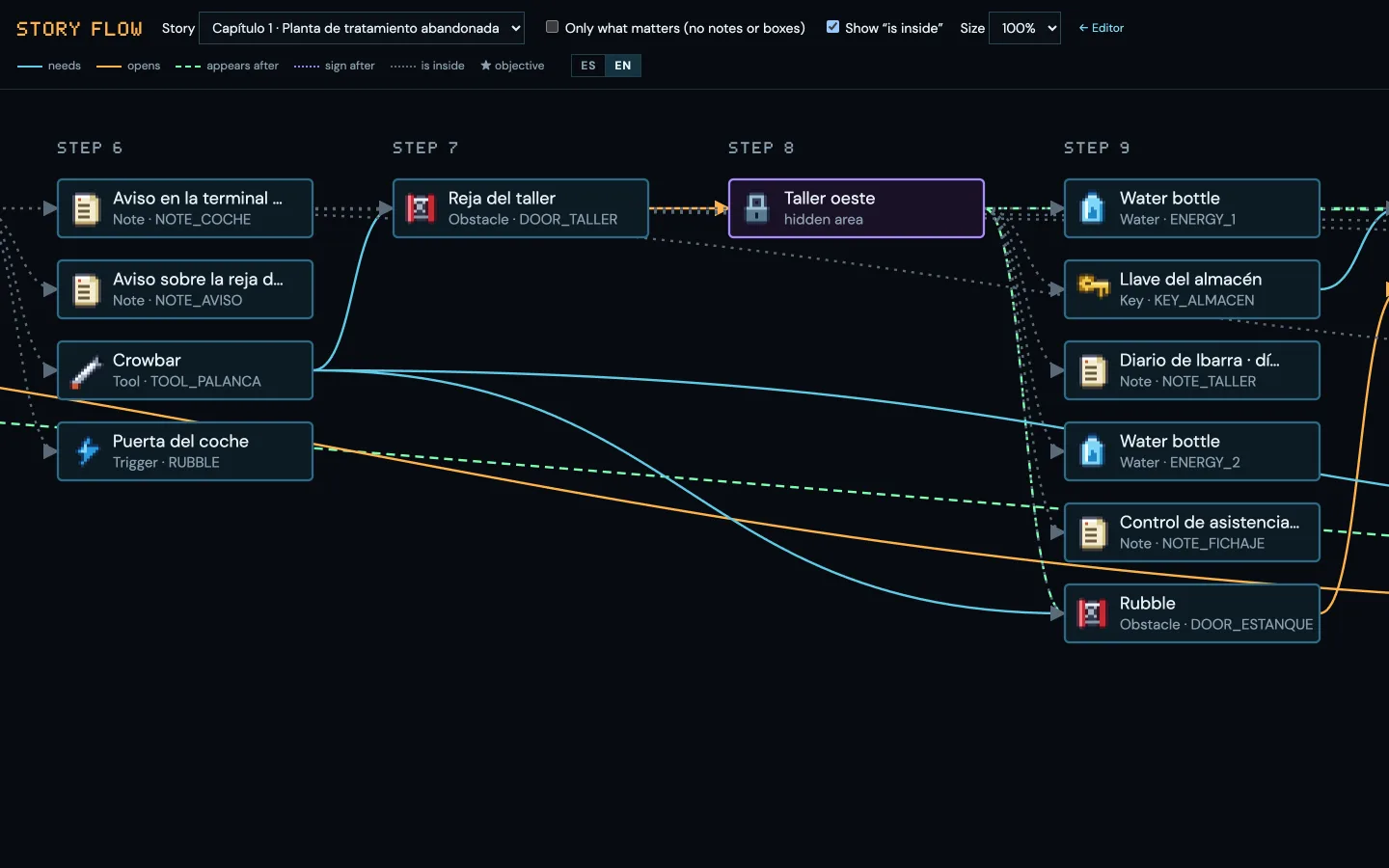
Story flow
A diagram shows at a glance what each step of the chapter needs and what it opens.
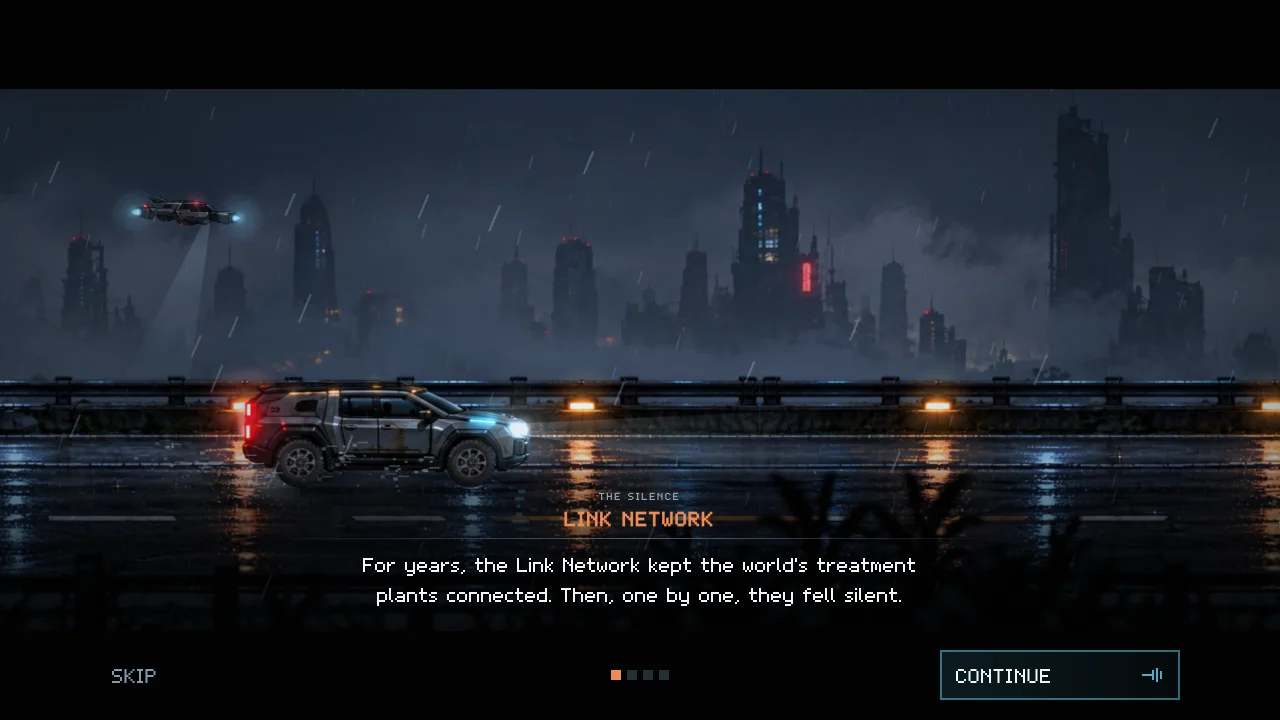
Intro and cinematics
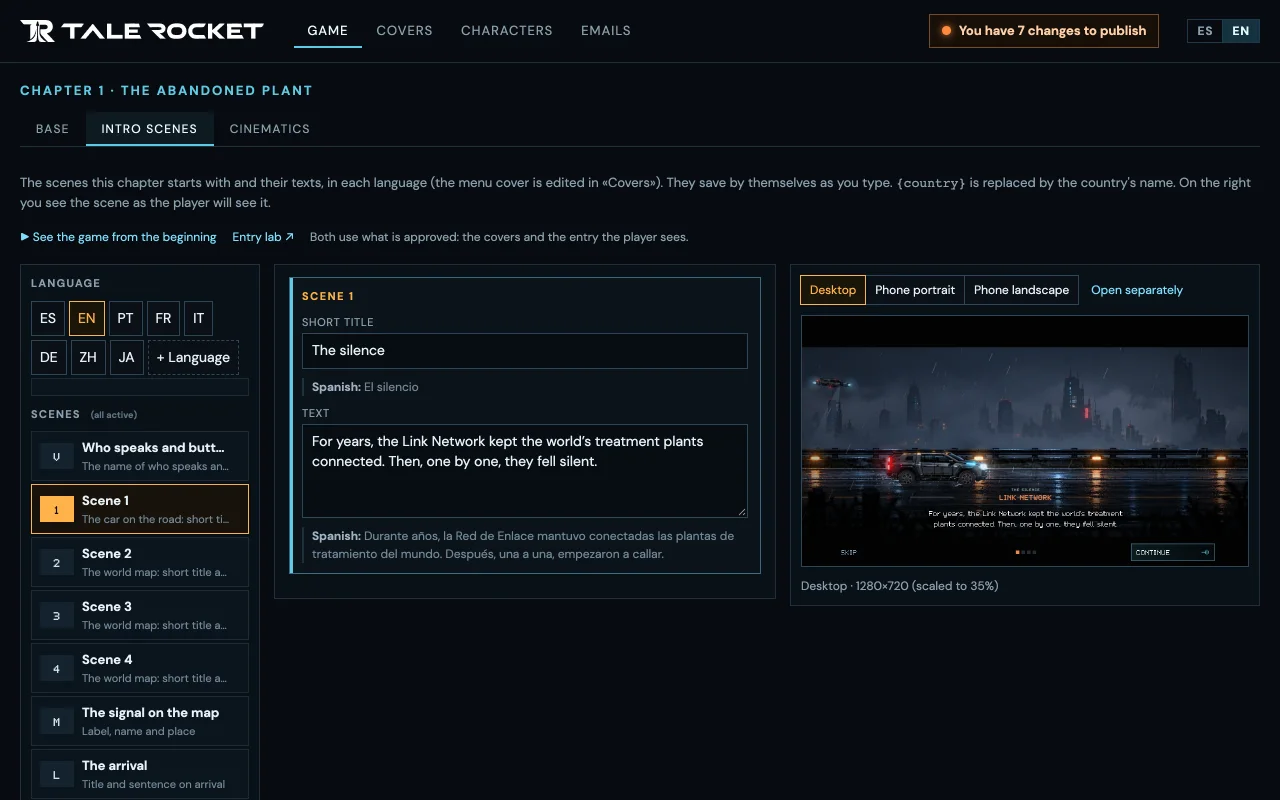
Scenes with camera, black bars and text, which you watch in the editor before they reach anyone.
Covers
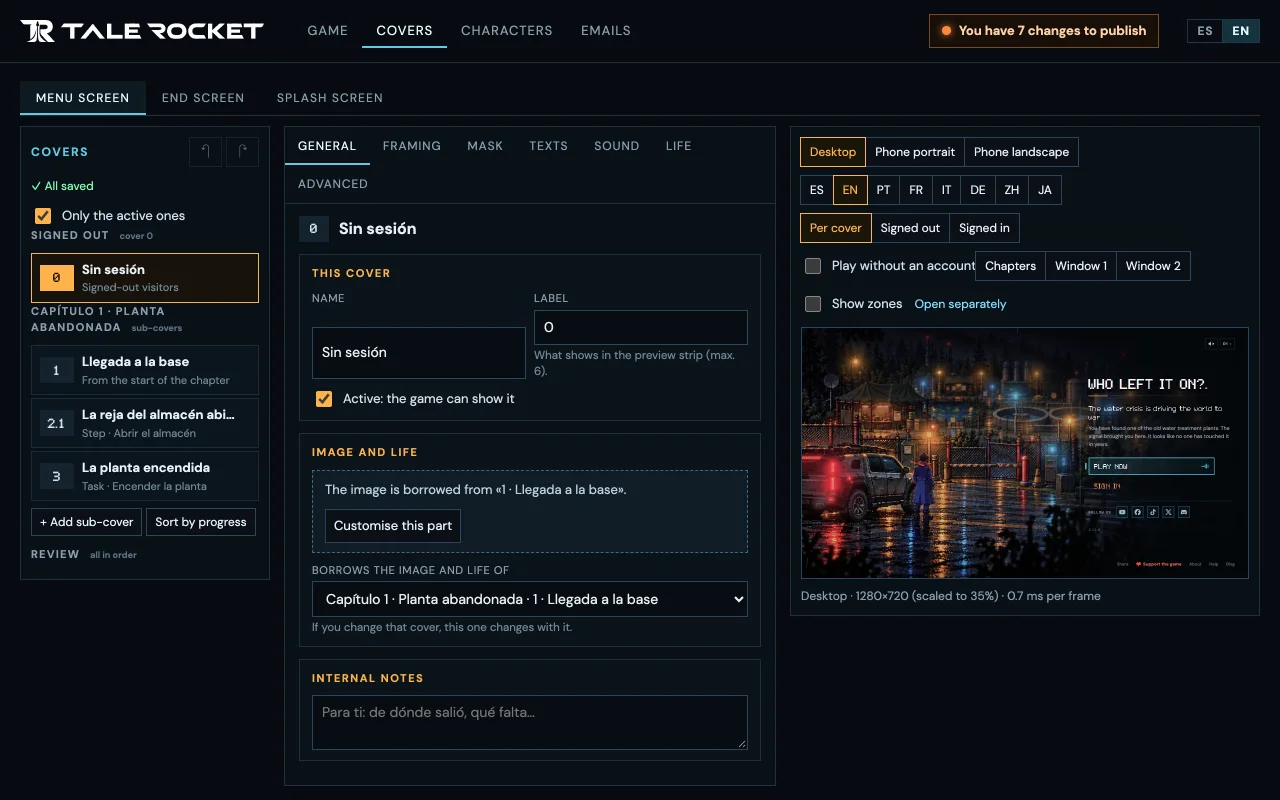
Living covers that change with the player’s progress, with rain, lights and sound.
8 languages
Every text sits beside its original, and a language is only offered once it is complete.
QA bot
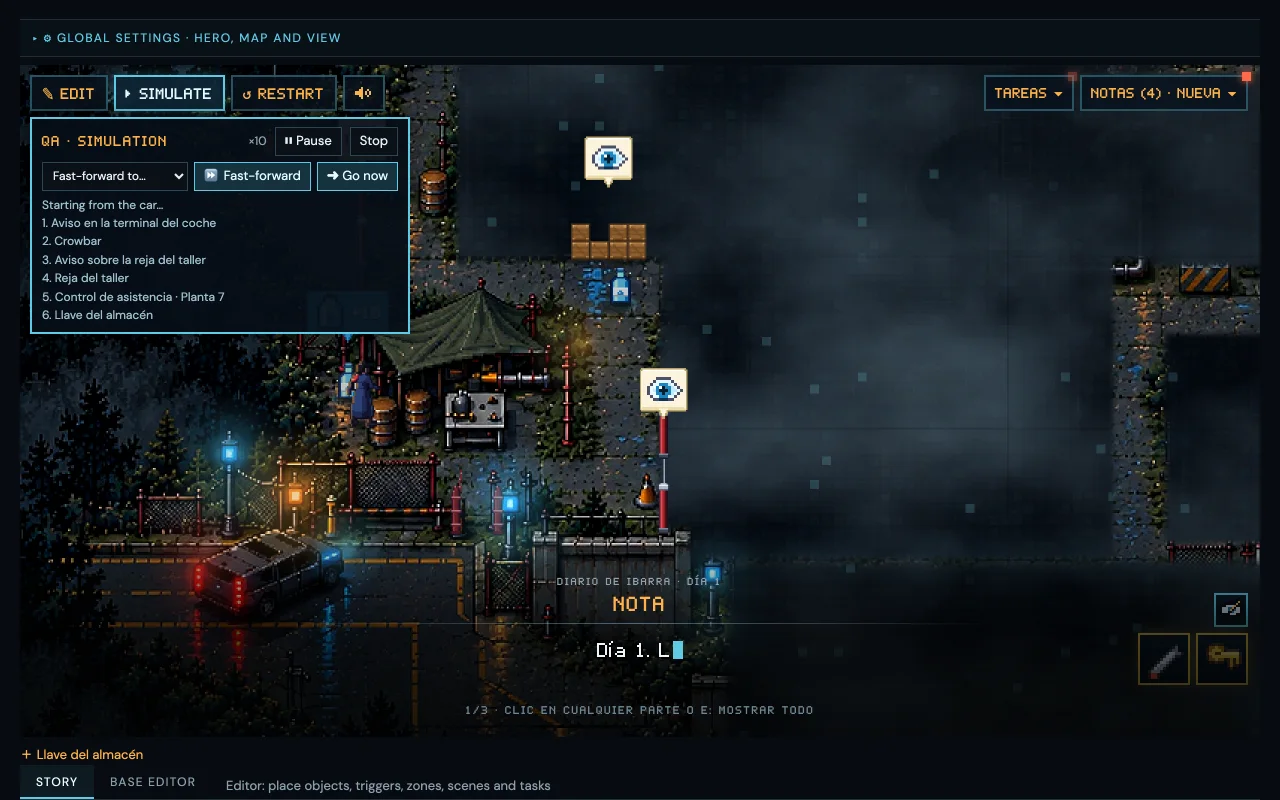
A bot plays the whole chapter and tells you where it gets stuck.
The big advantage
Change the story today. Your players have it today.
- You edit
- You check
- You publish
- Your players
What goes out this way is the narrative, meaning the story, the intro and the translations. Code, new pictures and the character’s look still need a new version of the game.
Why not a big engine?
Big engines are amazing, and for many games they are the best choice. Here is the honest comparison for a story told in chapters.
| Tale Rocket | A general-purpose engine | |
|---|---|---|
| Easy to learn | Yes | Partly |
| Hardly any documentation | Yes | No |
| No code to write | Yes | No |
| A bot that plays the chapter | Yes | Partly |
| Made for the browser | Yes | Partly |
| Change the story without a new version of the game | Yes | No |
| Translations beside the original | Yes | Partly |
| 3D, action and physics | No | Yes |
| Maturity and community | No | Yes |
If your game needs 3D, combat or physics, use a big engine. Tale Rocket is for telling a story in chapters, in pixel art.
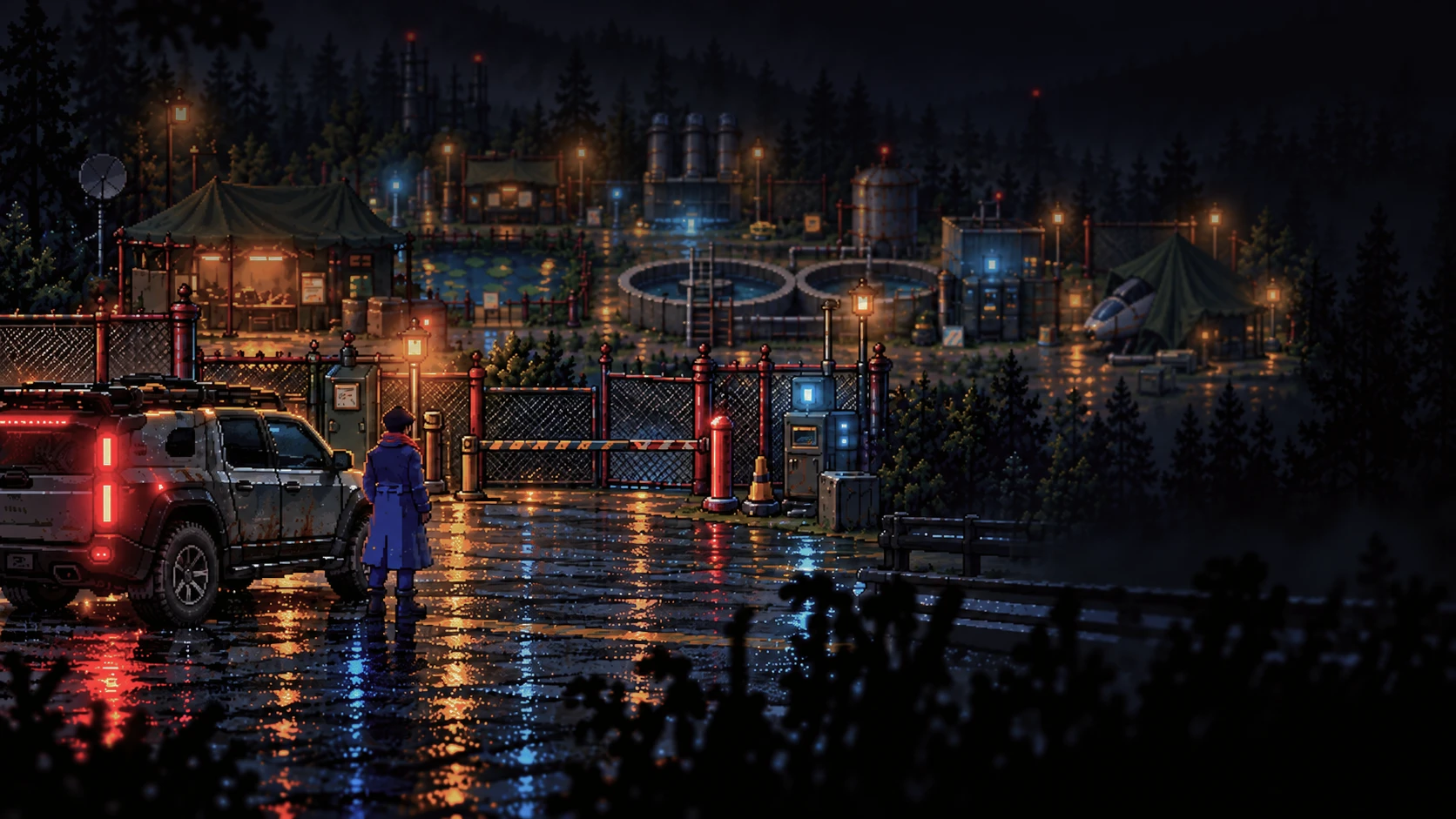
Made with Tale Rocket
Who Left It On? · Chapter 1
A world running out of water, an abandoned plant and one question. The first chapter, “The Abandoned Plant”, was made entirely with Tale Rocket.
Project status
Where it stands today
Editor v1.47.0 · 48 versions since 8 October 2026
Works today
- Map editor
- Tasks and story flow
- QA bot
- Covers and splash screens
- Translations in 8 languages
- Publishing the story without deploying
Not yet
- Creating cinematics in the editor
- Open to other creators
Want to try it?
It is not available yet. Follow its progress on our networks or write to me on X.
Our networks