Which engine is it made with? Not an engine, it is Tale Rocket
It is a fair question, and the answer has a twist. There is no engine behind it, but a no-code editor I made to fit the way I work. It is called Tale Rocket, and it is After Signal’s tool.
By Keidegger Silva · After Signal
Updated:
In this bulletin
An engine and an editor are not the same
A game engine is a huge, general-purpose machine. It can make almost any game, in 2D or 3D, with physics, sound and its own way of programming everything. It is powerful, and that is why it comes with hundreds of features, months of documentation and a tutorial for everything.
Who Left It On? did not need all that. It is a web game you play in the browser, like any other page. What I needed was much more specific, a place to put together a story in chapters without writing code. That is an editor.
Why I made my own
I was not looking for a huge engine. I was looking for an editor that fitted me and the way I want to tell stories in chapters. There are plenty of options out there, and I tried several, but almost all of them asked me to study long, heavy documentation and learn to program their way before I could tell anything.
I am an experience (UX) designer. I have spent years working with tools like Figma and Sketch, where you see what you are doing while you do it, and I wanted that same simplicity for writing a playable story. Since I could not find it, I built my own tool, designed for narrative games and editable without code. AI tools helped me build it without being a programmer.
Having my own editor also gives me freedom. I do not depend on anyone’s licences or permissions to decide what I do with my game, or how and where I publish it.
What Tale Rocket is
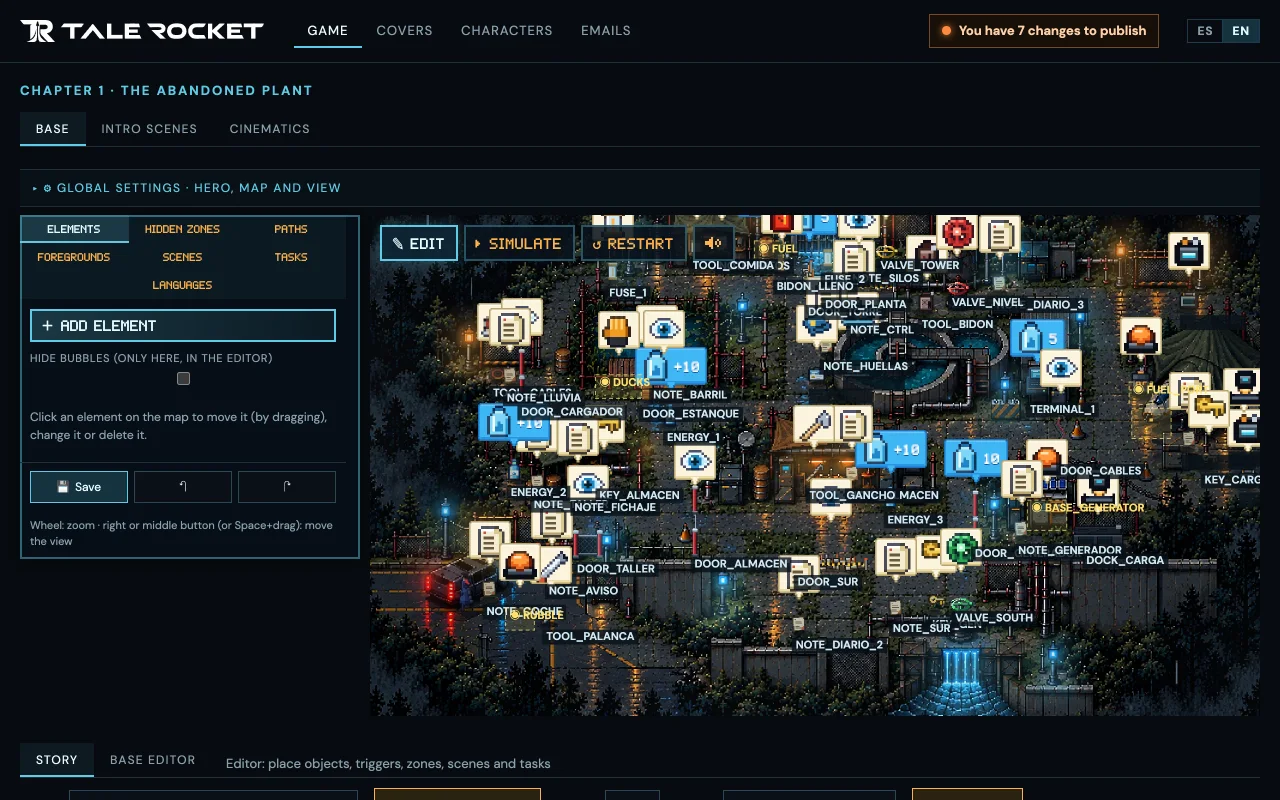
Tale Rocket is After Signal’s editor for narrative games. You create the assets and the story, choose from menus when each thing appears and what completes it, and the chapter can be played. It is not a full engine, and it does not want to be. It is made for whoever tells the story.
The story flow, to steer the story
It is the part I use most. The story flow draws the whole chapter as a chain, with what each step needs and what it opens. That way I see the story at a glance, check that nothing is left hanging and decide where I want to lead whoever is playing.
The intro and the cinematics
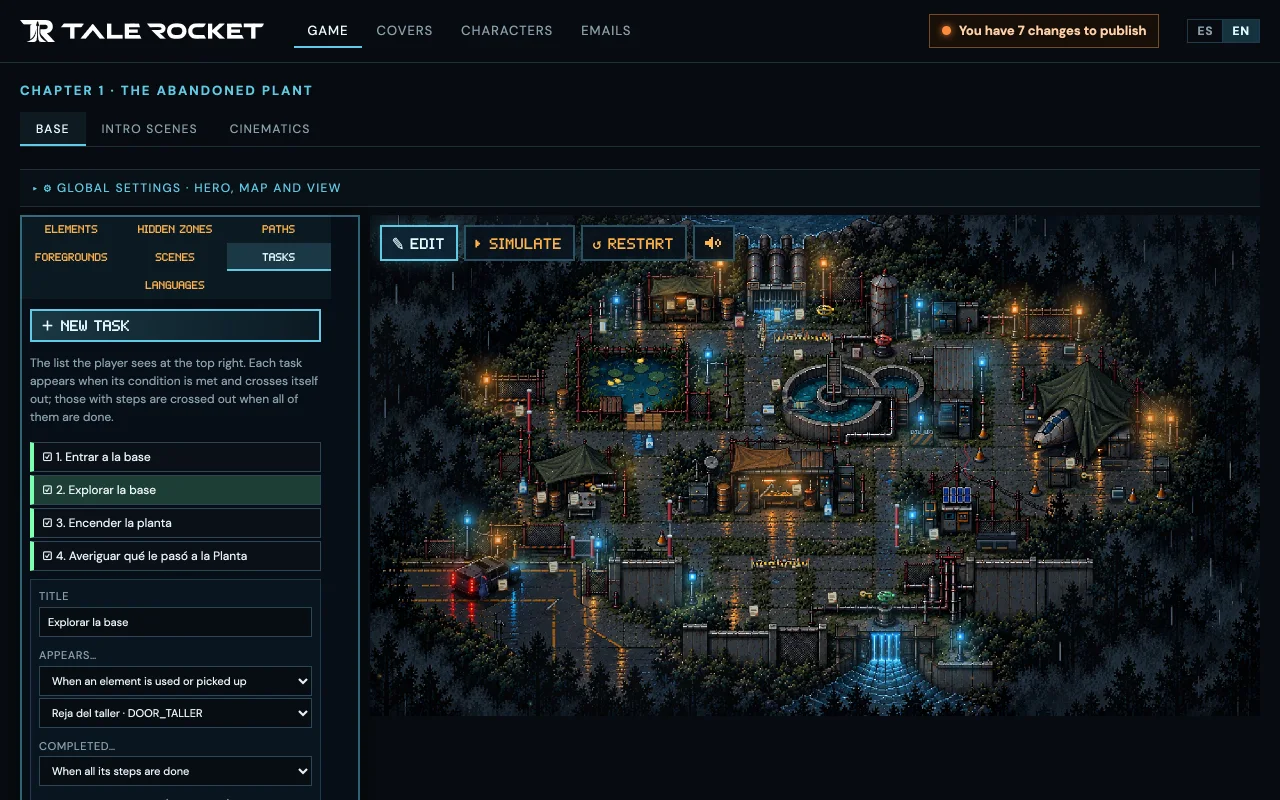
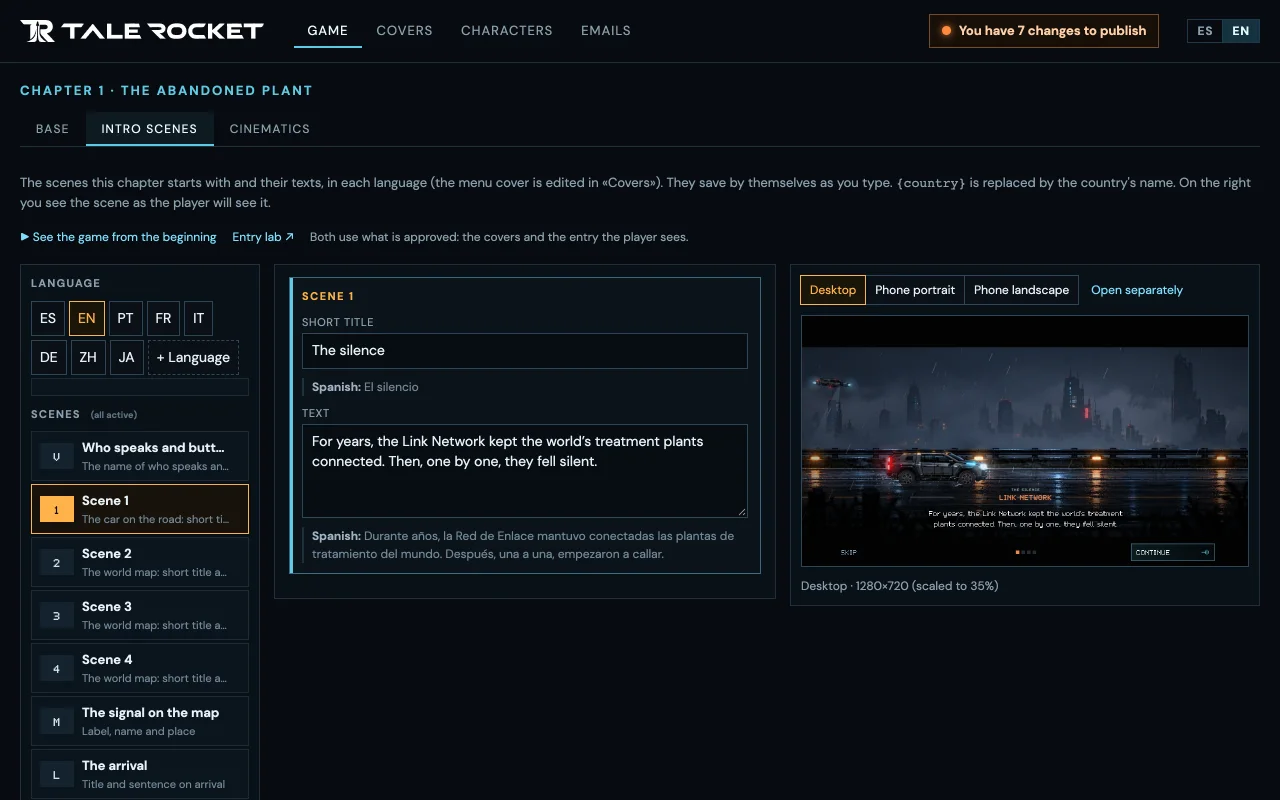
I write the intro scene by scene and see it straight away as the player will, in every language and on three screen sizes (desktop, phone upright and phone sideways).
The chapter’s cinematics have their own panel, where I play them, pause them and check them on those same sizes without having to play my way up to them. To be honest, today they are reviewed and tested there, but creating one from scratch inside the editor is not possible yet. It is one of the next things I want to add.
The QA simulator, to publish with peace of mind
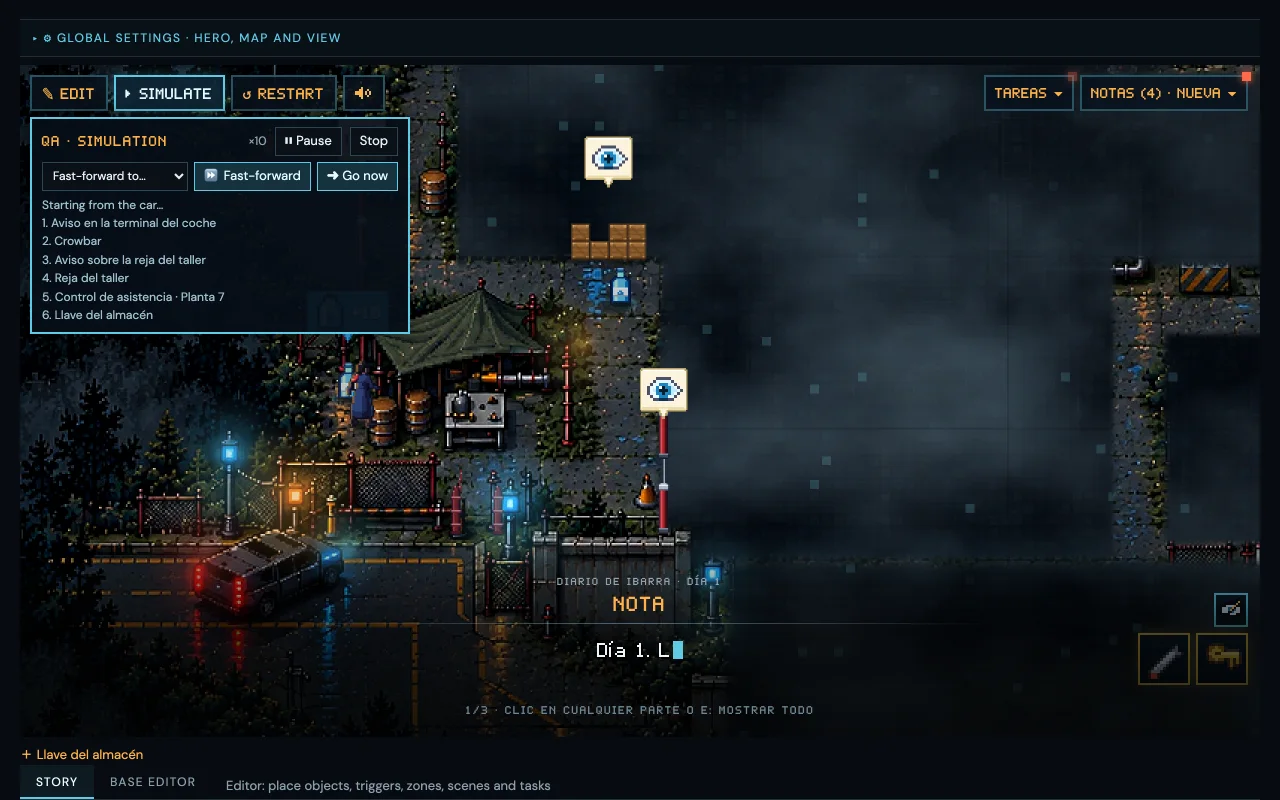
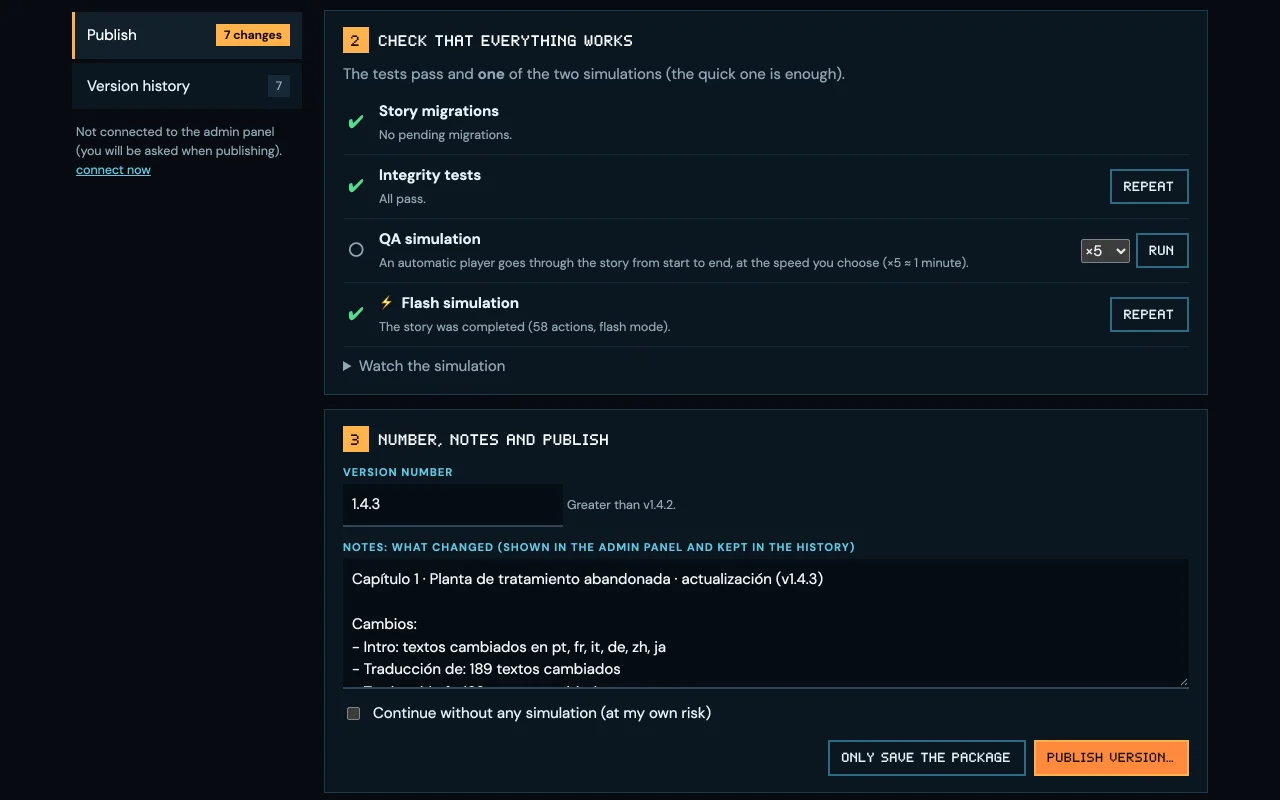
Before publishing, the QA simulator plays the whole chapter on its own, from start to finish, and notes every step it completes. If something breaks along the way, I see it before anyone else. I can also skip it ahead to a given task and carry on playing by hand from there. That is what lets me publish calmly.
Changing the story without republishing the game
This is the big advantage. When I finish a change to the story, be it a note, a task or a translation, I publish it from the editor itself and it reaches players without uploading a new version of the game.
The studio makes the games and the tool
After Signal does both, the games and the tool they are told with. Every chapter of Who Left It On? puts Tale Rocket to the test, and every improvement to Tale Rocket makes the next chapter easier to tell.
Do you want to try it?
It is not available yet. Tale Rocket is still in development and today I am the only one using it. If you want to see how it is going, follow me on X and on our social networks, where I share the progress, or write to me directly on X.